Craft pulls that
respect your project config.

Reads .env. Syncs web/assets/ and storage/. Runs php craft clear-caches/all after every pull. Leaves your config/project/ YAML exactly where it belongs — in git.
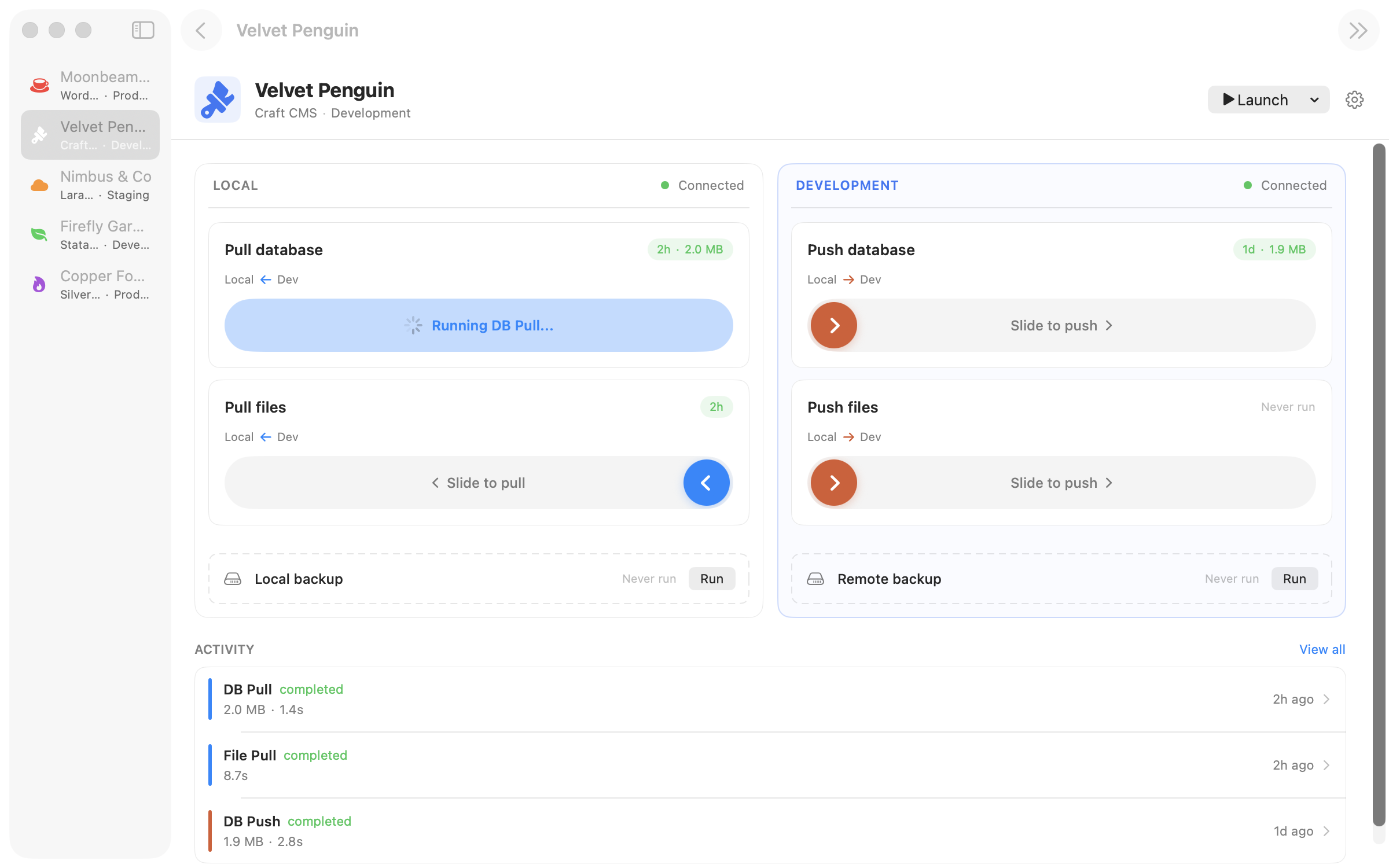
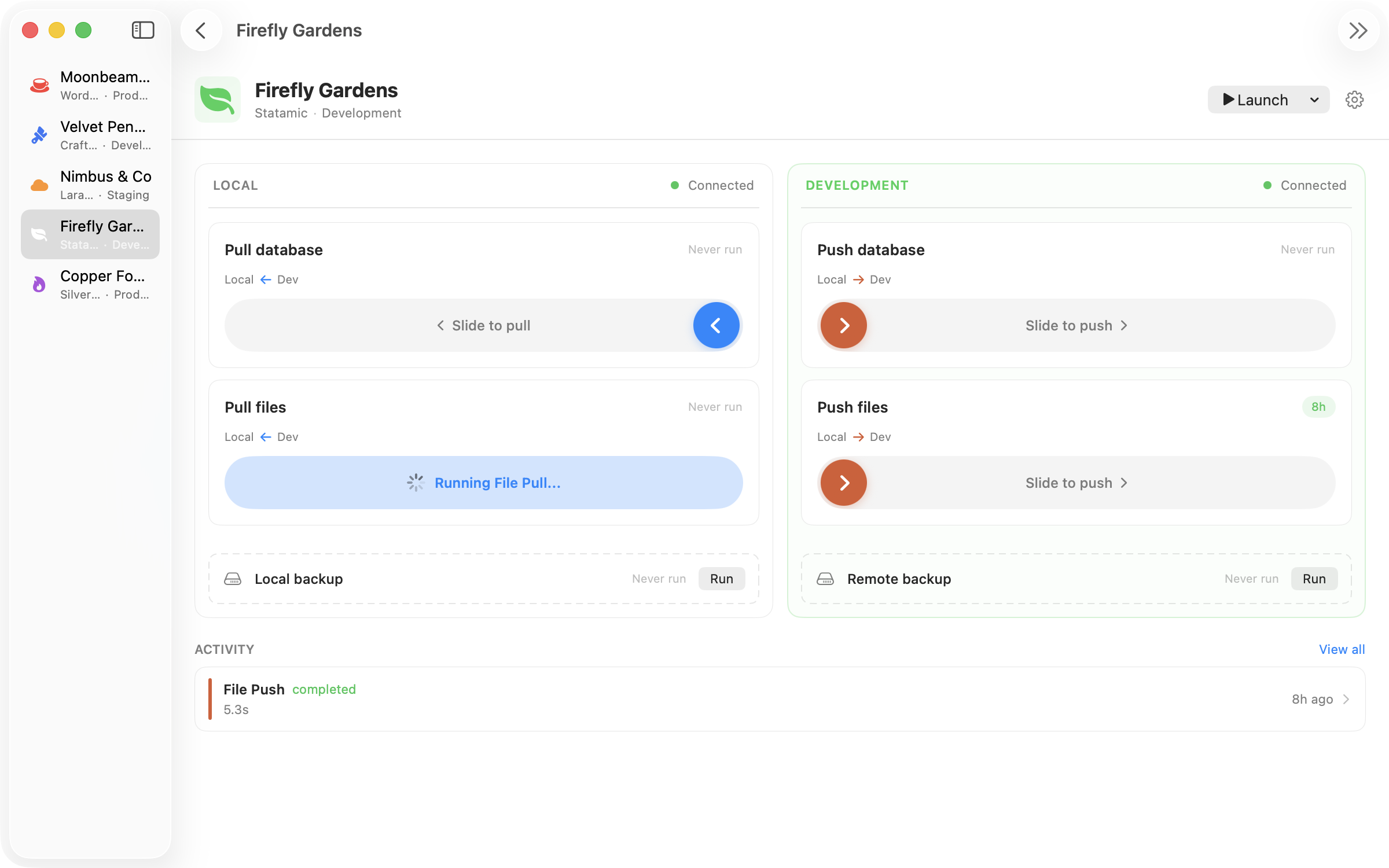
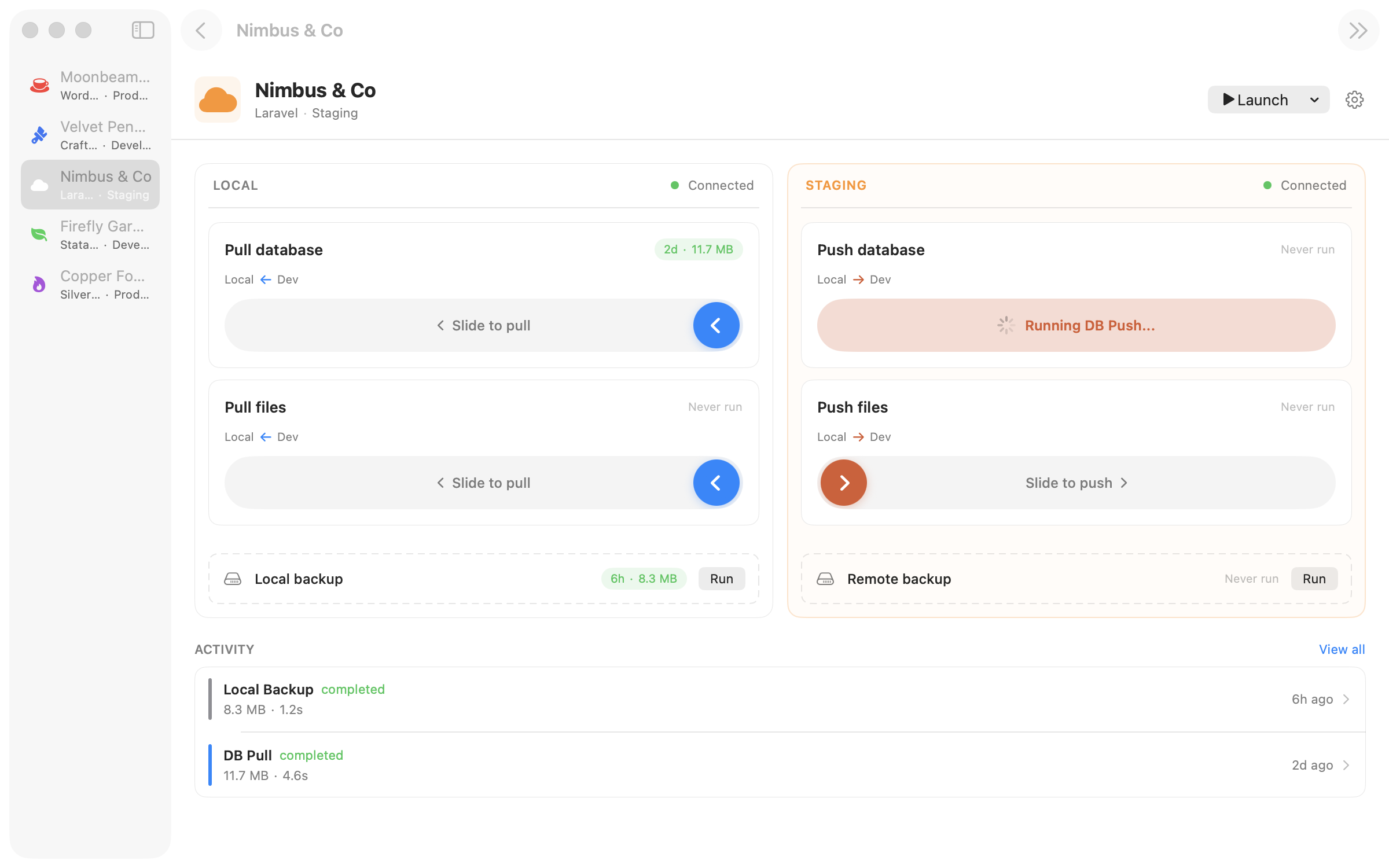
Ferry running a database pull on a Craft CMS project

Ferry detects Craft CMS by looking for the craft binary in your project root or craftcms/cms in composer.json. Credentials come from .env — the newer CRAFT_DB_SERVER / CRAFT_DB_USER / CRAFT_DB_PASSWORD / CRAFT_DB_DATABASE keys, or the legacy Laravel-style DB_* fallback if your project still uses it.

The default file sync paths are web/assets/ and storage/ — the two directories Craft writes to at runtime. User uploads, generated image variants, session data, logs, and the like. You can add more paths or narrow the defaults per site.

One thing Ferry deliberately does not touch: Craft's config/project/ directory. Project config lives in YAML files that belong in git, not in the database — and your teammate's changes might be unmerged locally when you pull. Ferry syncs the database; Craft's own craft up reconciles the config. The default post-pull hook runs php craft clear-caches/all so your cached templates and asset transforms regenerate cleanly.

What Ferry handles out of the box.

CRAFT_DB_* + legacy DB_* both work

Reads the modern CRAFT_DB_* keys first, falls back to Laravel-style DB_* for older projects. Works with Craft 3, 4, and 5.

web/assets and storage, pre-configured

The default file sync paths match where Craft writes at runtime — user uploads, transformed images, logs, cache. Add paths, exclude subpaths, or replace the defaults entirely.

php craft clear-caches/all, automatic

The default post-pull hook clears Craft's caches after every pull so templates recompile cleanly. Customisable per site — swap in php craft up or whatever your workflow needs.

Project config stays in git, not the DB

Ferry syncs database and assets, not Craft's YAML project config. Your branch-based config workflow stays intact — pull the DB, then run php craft up to reconcile.

Exclude the cache tables

Skip cache, sessions, templatecaches, assetindexdata — whichever noise tables you don't need locally. Full omit or schema-only, per table.

Hostname replacement, if you need it

Most Craft sites keep URLs in config, but if yours has URLs in content fields, Ferry's two-form sed pass handles plain text and JSON-escaped URLs with a preview.

Every pull and push, one gesture.

Pull

Pull the production database

mysqldump over SSH, stream, import into your local database. Ferry runs php craft clear-caches/all as the default post-pull hook — customise it with php craft up if you want project config to reconcile automatically.

Database pull running on a Craft CMS site
Pull

Sync web/assets and storage

Two default file sync pairs cover user uploads and runtime storage. rsync only transfers changed files, and per-path excludes let you skip the generated image variants if you prefer to regenerate them locally.

File pull syncing Craft web/assets
Push

Push to staging for client review

Push local into staging for a client demo. Production pushes require a confirmation sheet and optionally run a remote backup first — there's no muscle memory that overwrites a live Craft site.

Database push to a Craft CMS staging site
Local

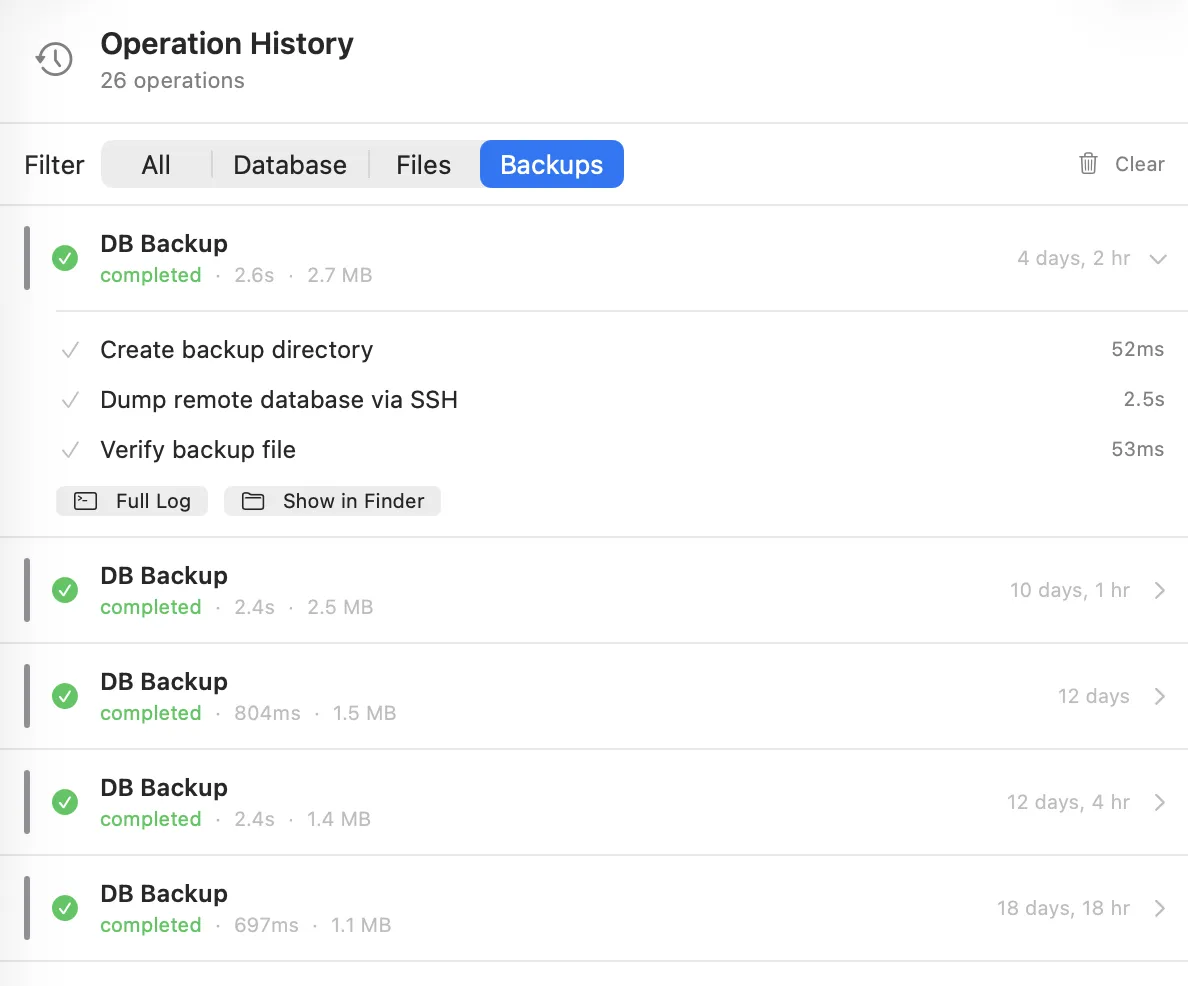
Backup before craft up

One-click backup before you run craft up or upgrade a plugin. Timestamped, local, auto-rotated. Restore with gunzip | mysql from the terminal — no export flow, no lock-in.

Backup operation history on a Craft CMS site

Free while we build it.

Ferry is in early access beta. Download it, use it on real projects, tell us what breaks. Pricing comes later.

Download for macOS
macOS 14+ required Developer ID signed & notarized