
Git syncs your code.
Ferry syncs the rest.
One-click database syncs, file transfers, and backups across every environment you manage.
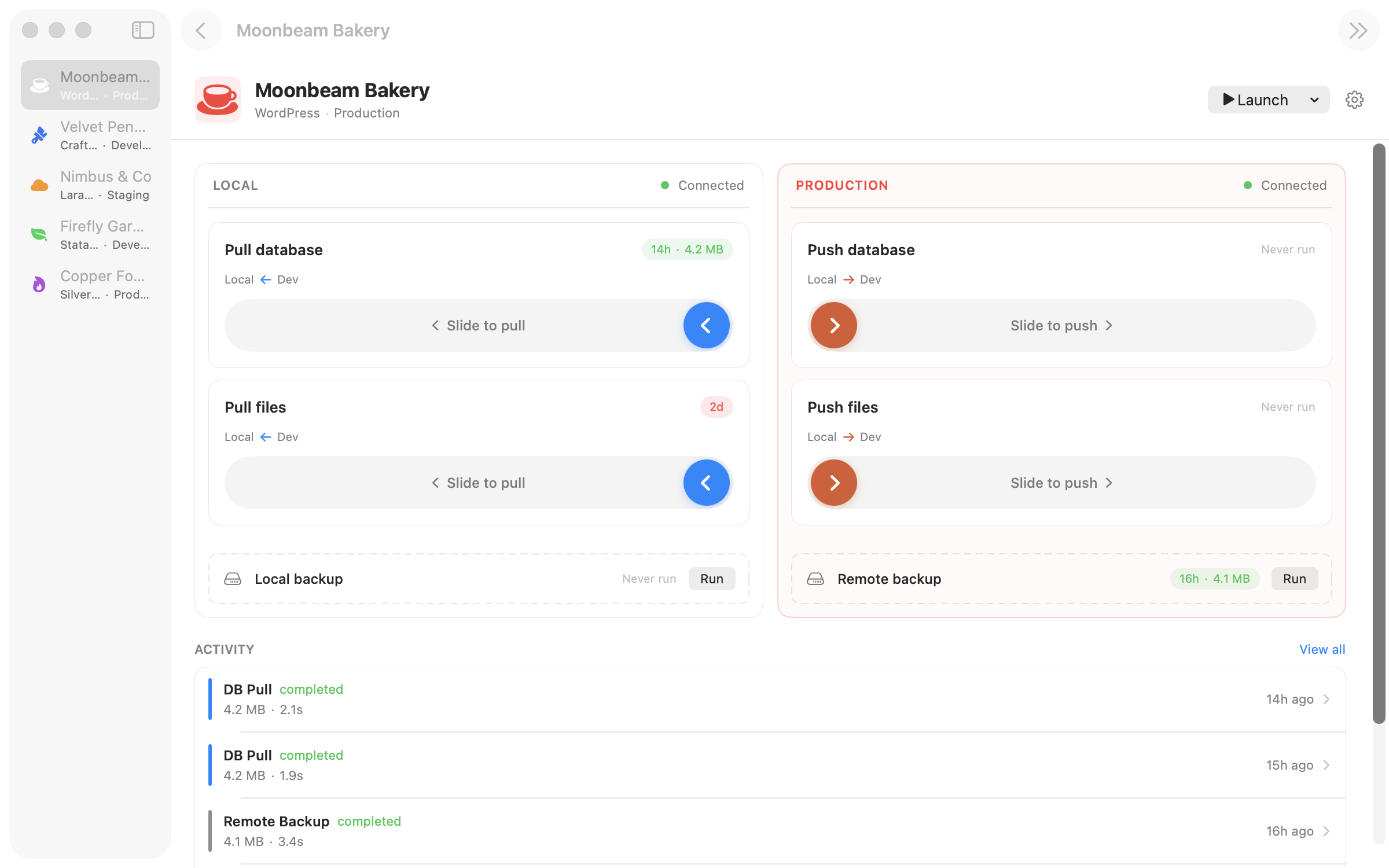
One-click database syncs, file transfers, and backups across every environment you manage.
How it works
01
Register a site with your SSH credentials and paths. Local, staging, production — whatever you've got.
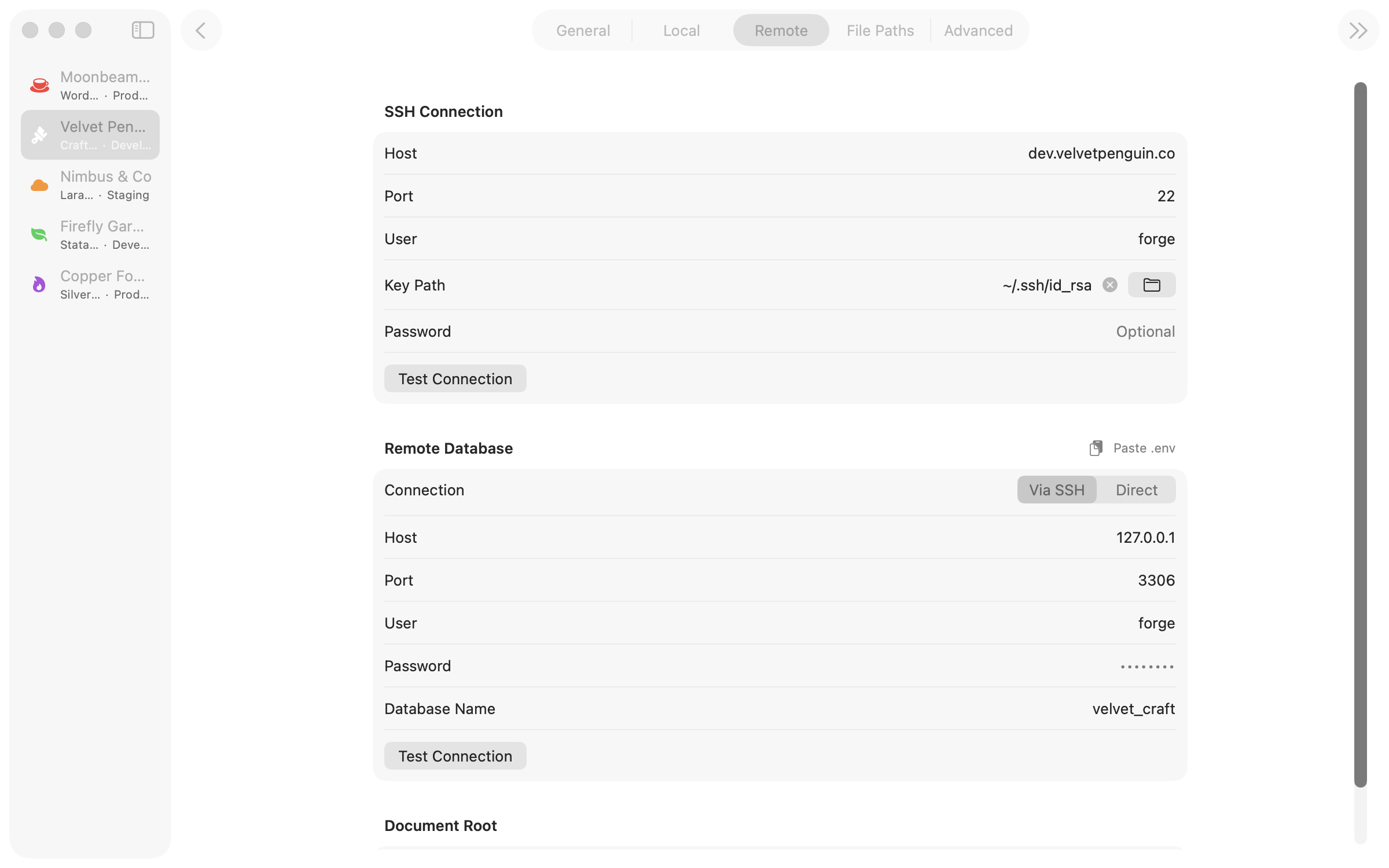
02
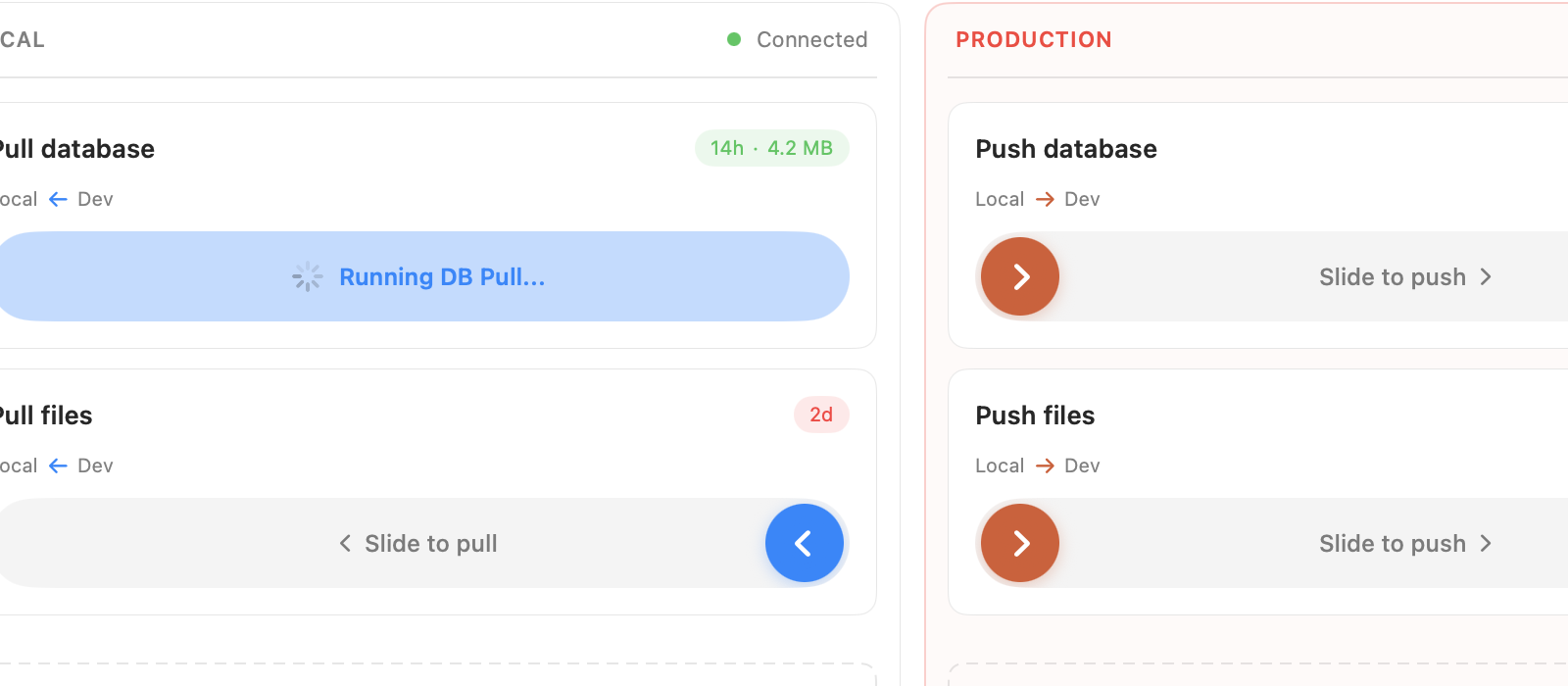
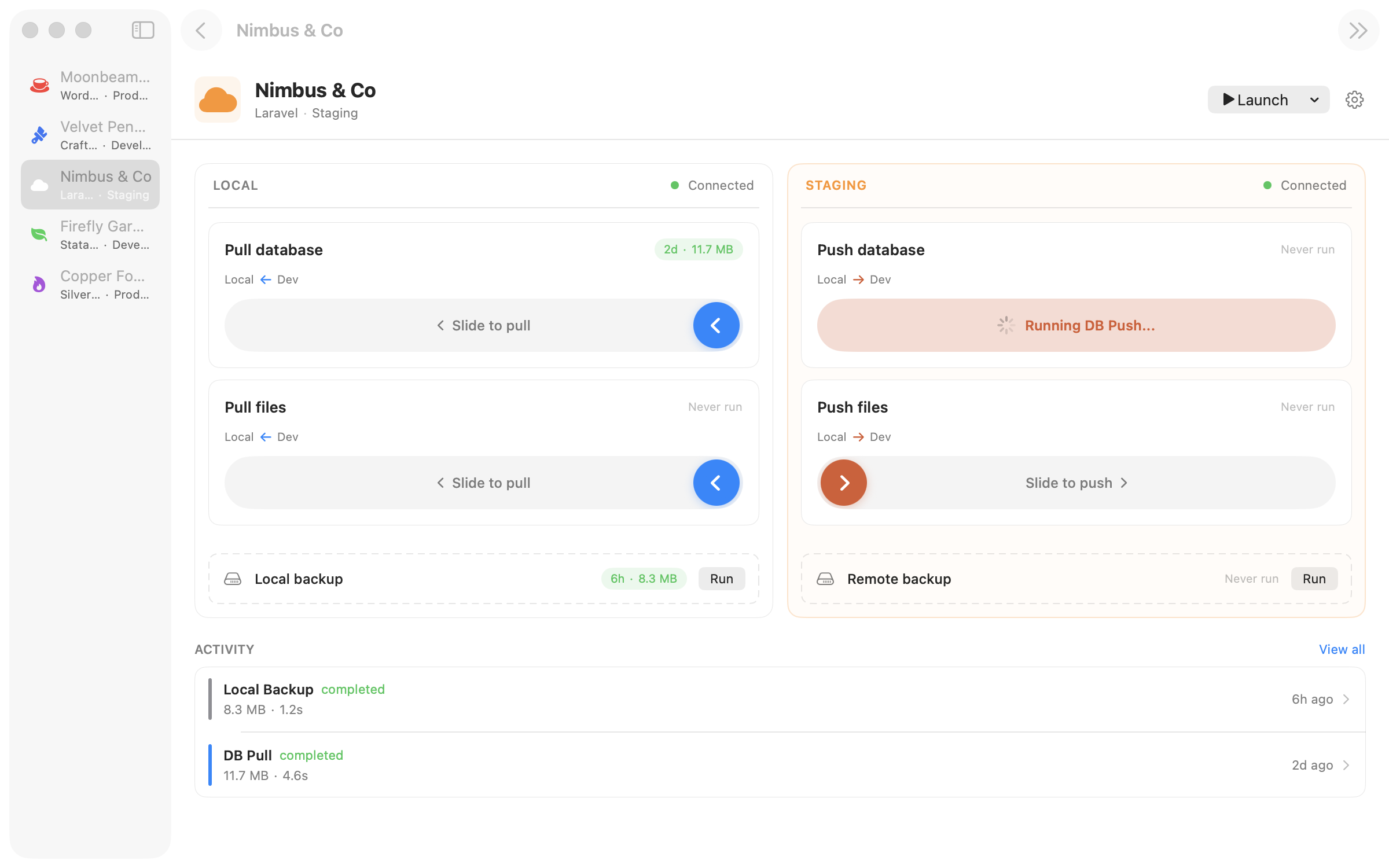
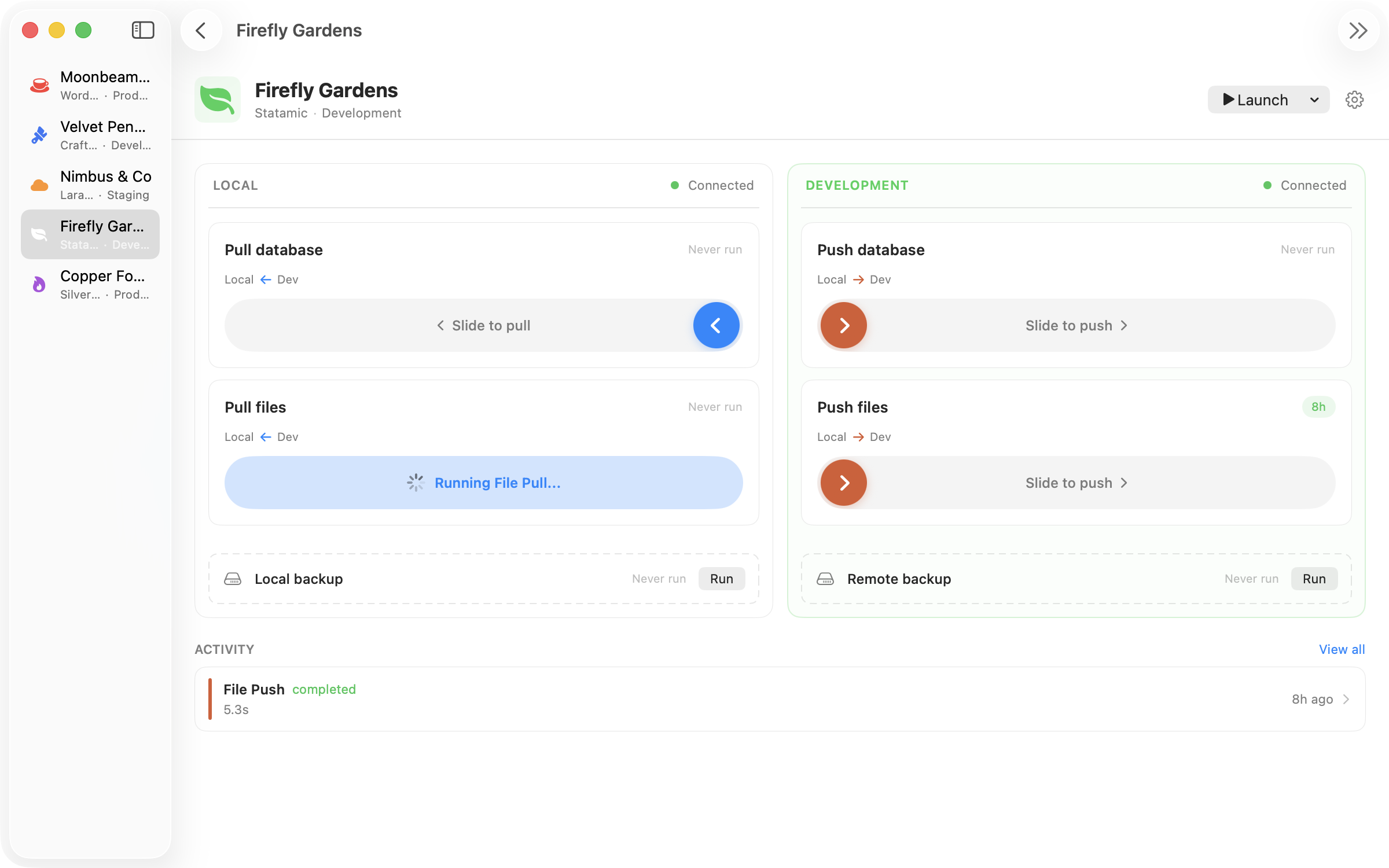
Pull left. Push right. The gesture matches the direction.
03
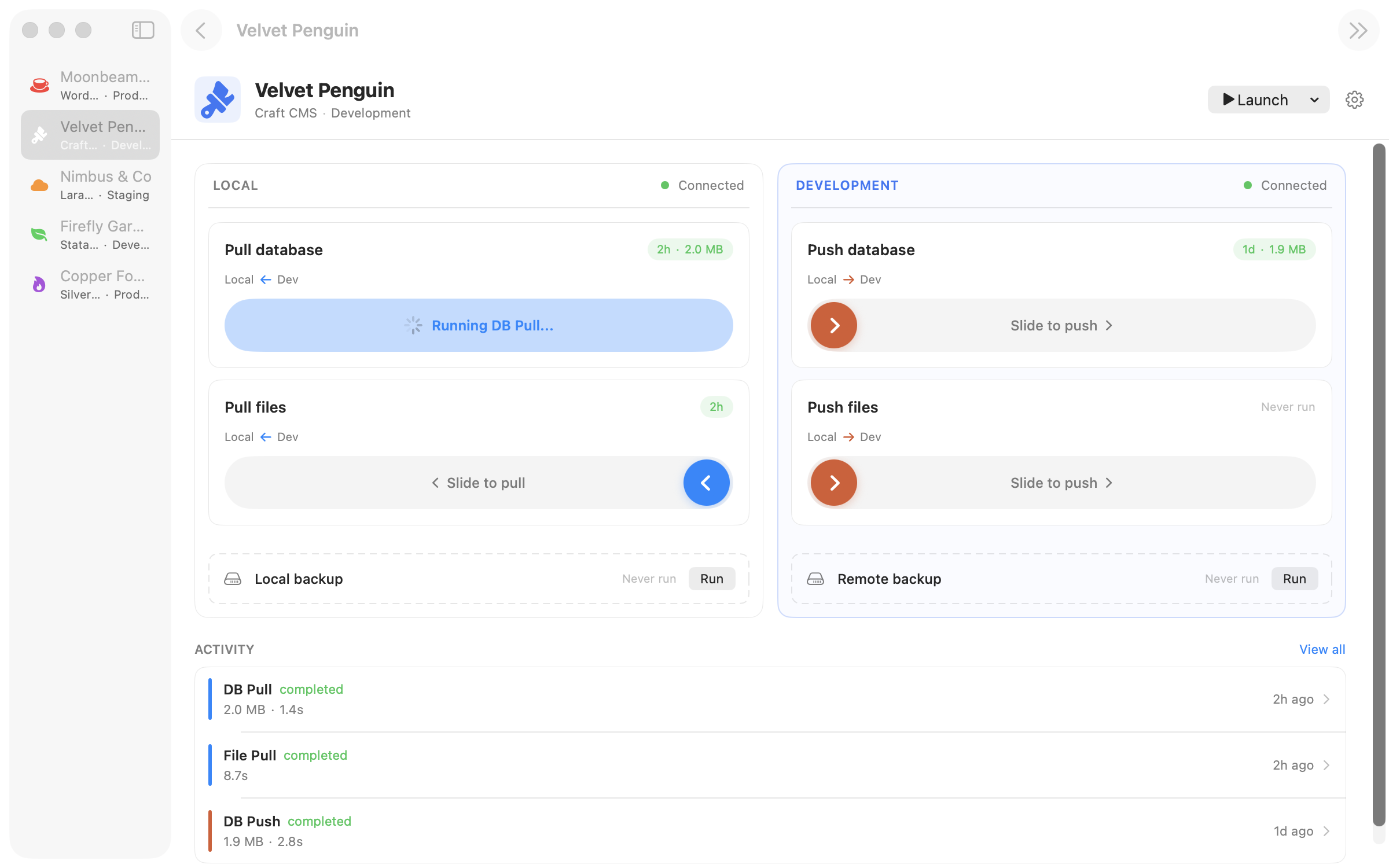
Live pipeline feedback as Ferry runs the operations behind a clean native UI.
Operations
Grab a fresh copy of production. Ferry dumps, transfers, imports, and handles post-processing — URL search-replace, cache clearing — automatically.
Push your local database to staging for client review. Same pipeline, reverse direction.
Pull uploads, push assets. rsync handles the heavy lifting. Ferry handles the interface.
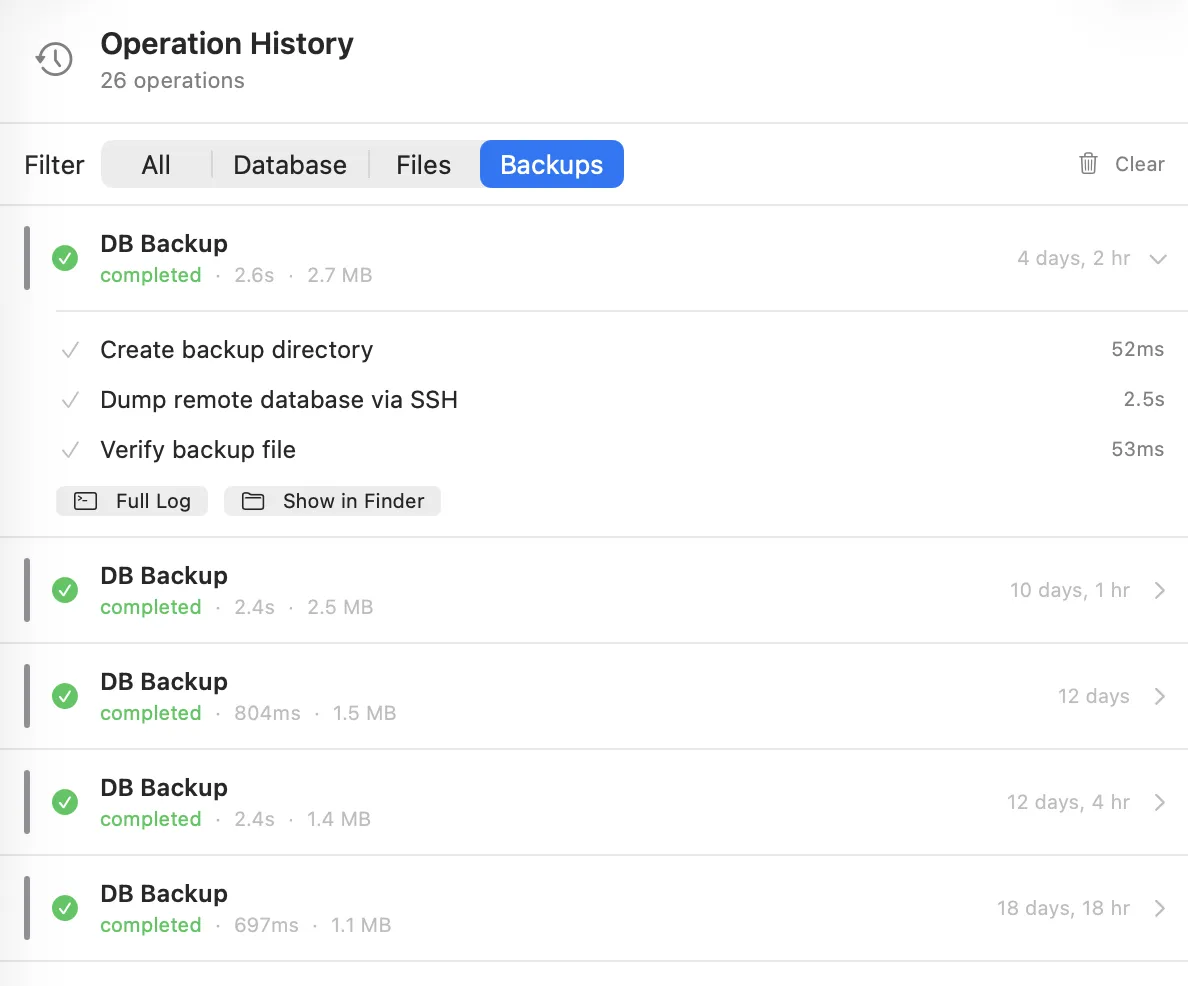
Snapshot a database before you touch it. Timestamped, stored locally, one click to restore.
Compatibility
Ferry connects over SSH — so it works with any web stack. For WordPress, Craft CMS, Statamic, Laravel, and SilverStripe, it knows the database paths, config files, and post-processing steps out of the box. Custom stack? Configure your own commands.
History
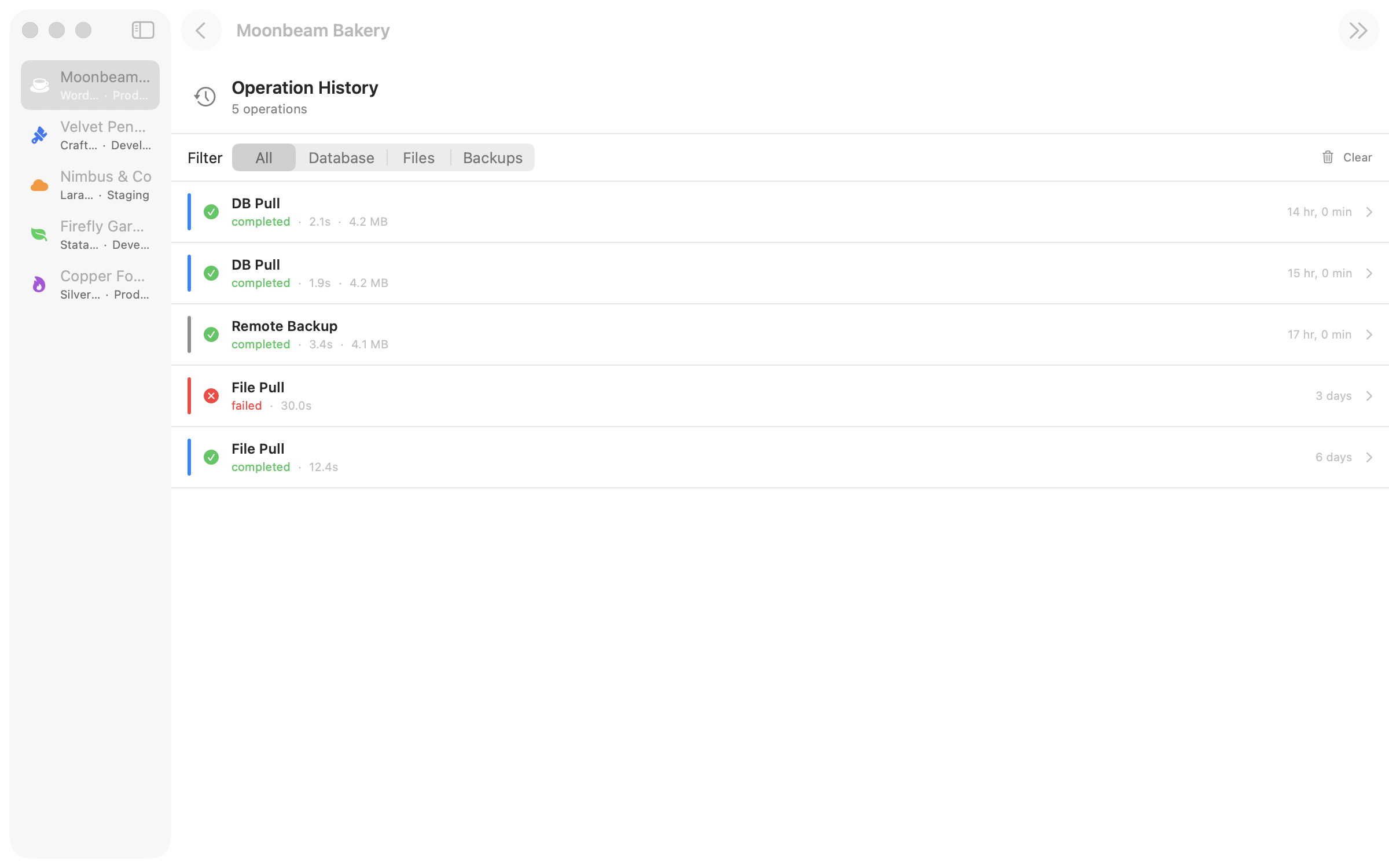
Filter by pulls, pushes, and backups. See exactly what happened, when, and to which site.
Details that matter
Point Ferry at a project folder. It detects the stack and reads credentials from .env or wp-config.php — parsed locally, never sent to a server. One click to set up a site.
Database dumps get hostname search-replace automatically. Two-pass handling catches JSON-escaped URLs too. No more broken links after a pull.
Pushing to production? Ferry asks you to confirm. Twice. Because accidents at 2am are not character-building.
Backups auto-rotate. Set how many to keep per site and Ferry cleans up the oldest when you hit the limit.
Pricing
Ferry is in early access beta. Download it, use it on real projects, tell us what breaks.
After launch: affordable per-release licensing. Pay once, own that version forever. No pesky subscriptions.
Download for macOSf4500675037662753c54db76d84e9b392b6ac45931bbae0ec3884a5a70f13933 Verify with shasum -a 256 Ferry-0.6.0-beta.1.dmg


