Pull production WordPress.
Without the URL dance.

Ferry reads wp-config.php, syncs wp-content/uploads/, and rewrites the URLs that plain sed and even some plugins miss. For the rest, it hands off cleanly to wp-cli.
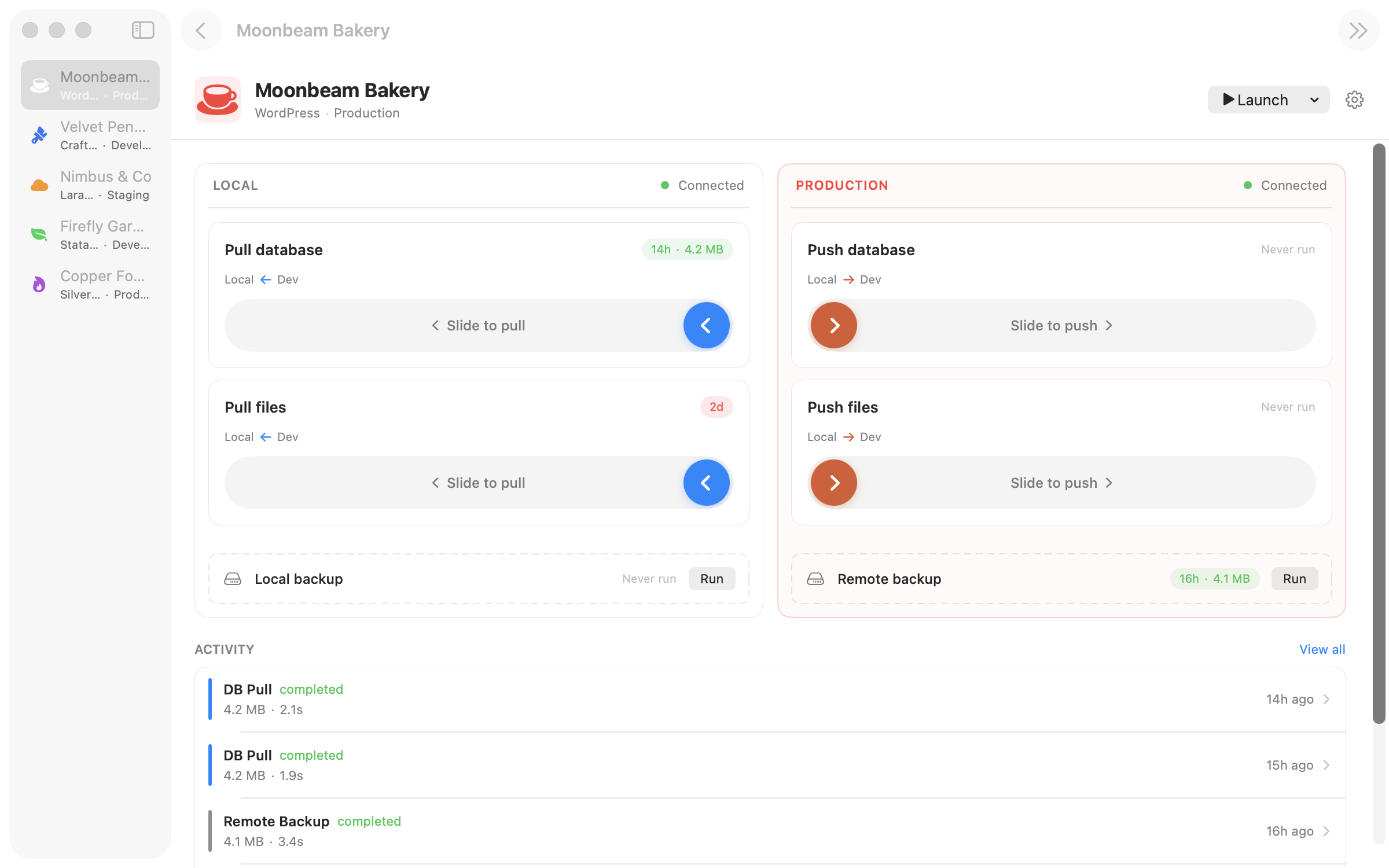
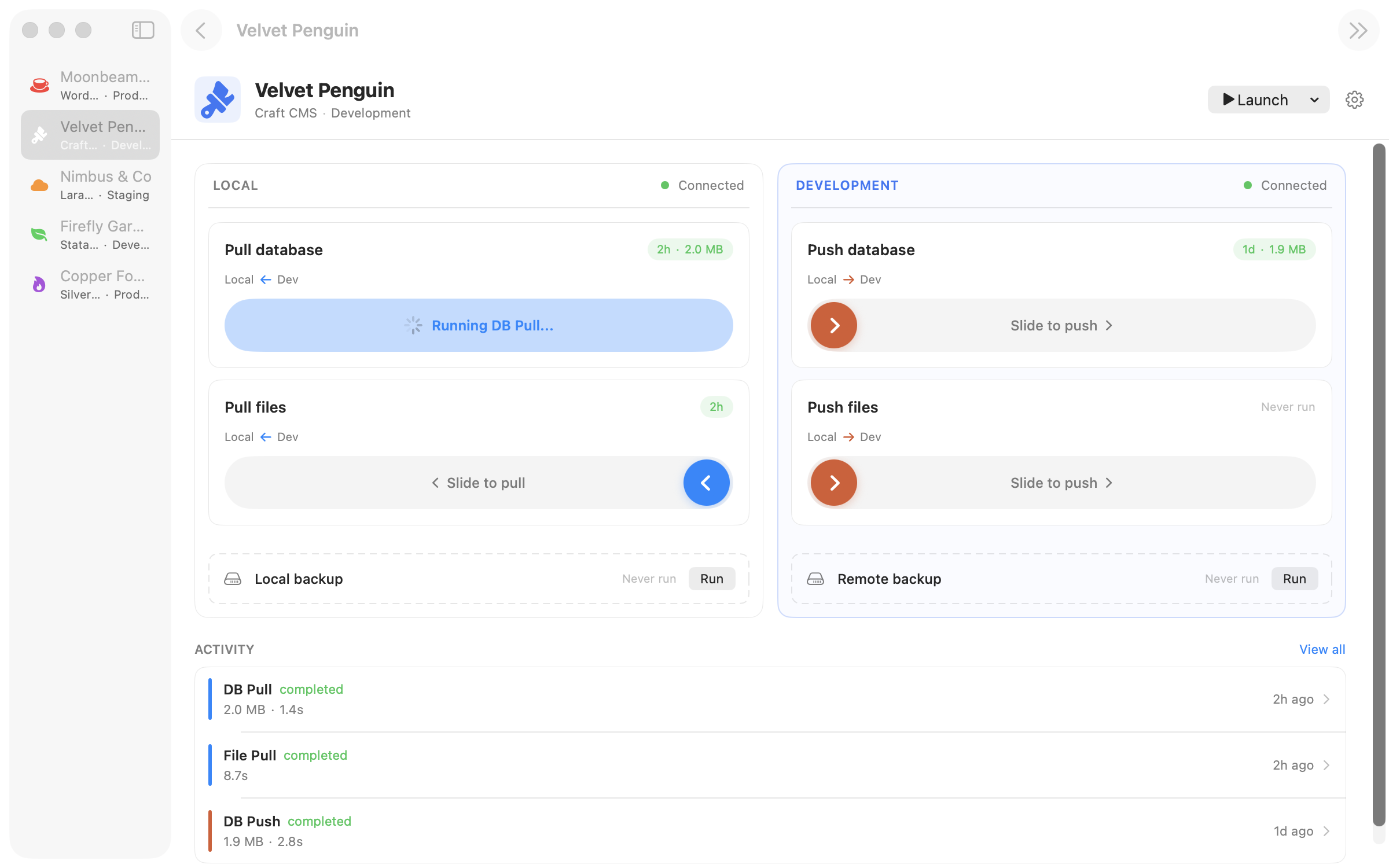
Ferry running a database pull on a WordPress site

Point Ferry at a WordPress project folder and it reads your database credentials straight out of wp-config.php — both the classic define('DB_HOST', ...) form and the .env style some modern boilerplates prefer. No retyping, no copy-paste, no leaving credentials in a text file somewhere.

The uploads directory at wp-content/uploads/ is pre-filled as the default file-sync path, and hostname replacement is on by default because every WordPress pull needs it. You don't fight the defaults — you just tell Ferry your local and remote URLs and click pull.

Ferry's URL rewriting runs as a byte-level sed pass over the dump before import. That's fast, but it does not fix PHP-serialised strings — a known WordPress gotcha where changing URL length inside a serialised value silently breaks unserialisation. Ferry handles the easy 80% (post content, option values, meta fields) and recommends you pair it with a wp search-replace post-pull hook for the serialised edge cases. The honest answer, not the marketing one.

What Ferry handles out of the box.

Reads wp-config.php directly

Auto-detects your stack the moment you pick a project folder. Parses define() lines locally — credentials never leave your machine.

Handles JSON-escaped URLs

ACF fields, Gutenberg block attributes, plugin settings stored as JSON — Ferry rewrites the backslash-escaped form (https:\\/\\/www.example.com) that plain sed misses.

wp search-replace as a hook

For serialised-data sites — which is most WordPress sites — drop wp search-replace into the post-pull hook. Ferry runs it automatically after every sync.

Exclude the noise tables

Skip wp_options transients, wp_actionscheduler_*, or any table you don't want locally. Full-omit or schema-only — per table, per site.

Production guardrails

Mark your live site as a production environment and every push to it requires a confirmation sheet. Accidentally overwriting a client site is the thing this prevents.

Every pull is logged

The activity log records every sync — which tables, which URLs, how long, what changed. Audit trail for you; peace of mind for the client.

Every pull and push a WordPress dev runs.

Pull

Pull the production database

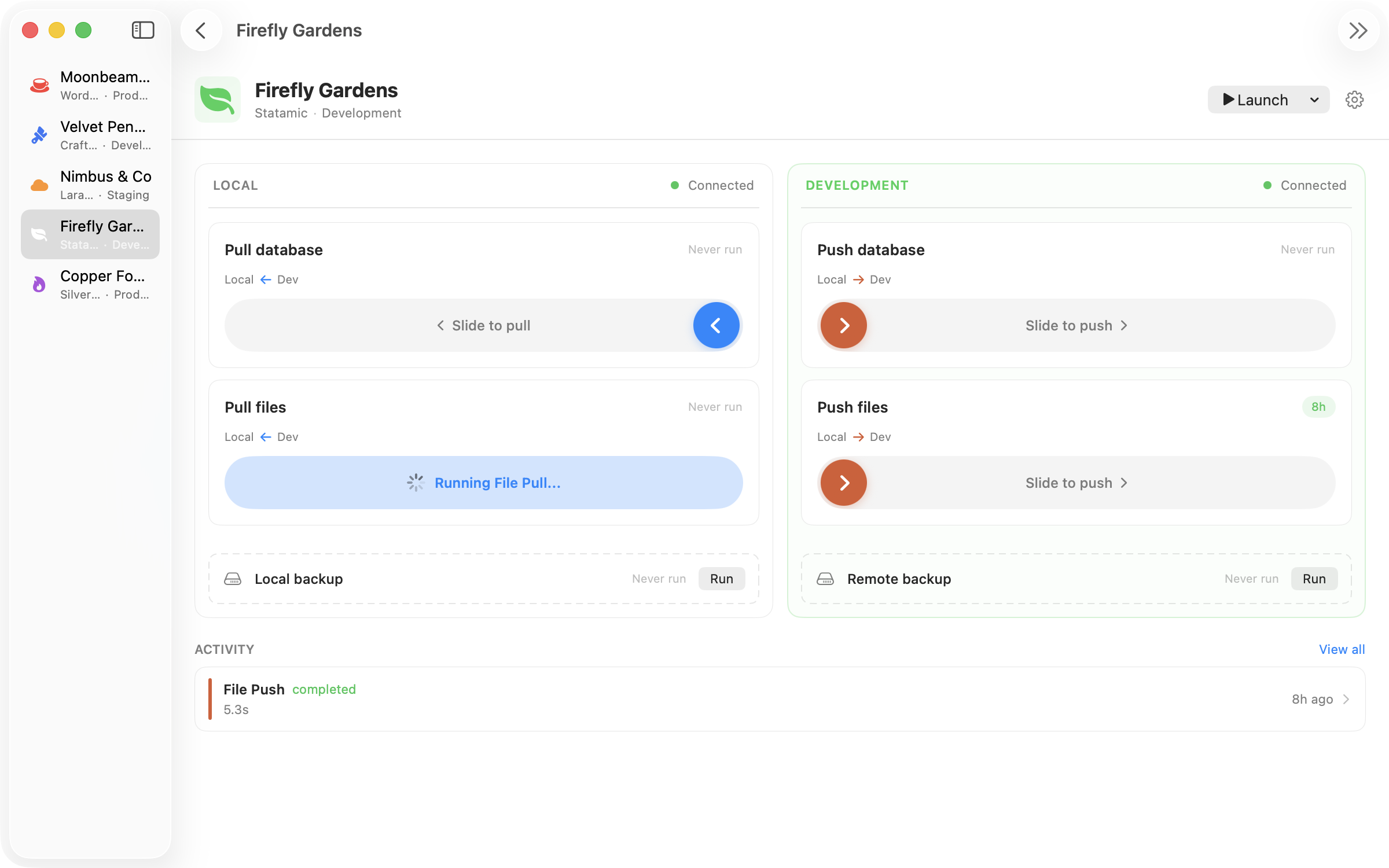
Ferry runs mysqldump remotely, streams the dump back over SSH, rewrites URLs with your local/remote pair, then imports into your local MySQL. Your post-pull hook runs wp-cli if you configured one.

Database pull operation running on a WordPress site
Pull

Sync wp-content/uploads

rsync pulls only what's changed. Works with multisite uploads directories too — set the path per site.

File pull syncing wp-content/uploads
Push

Push to staging for client review

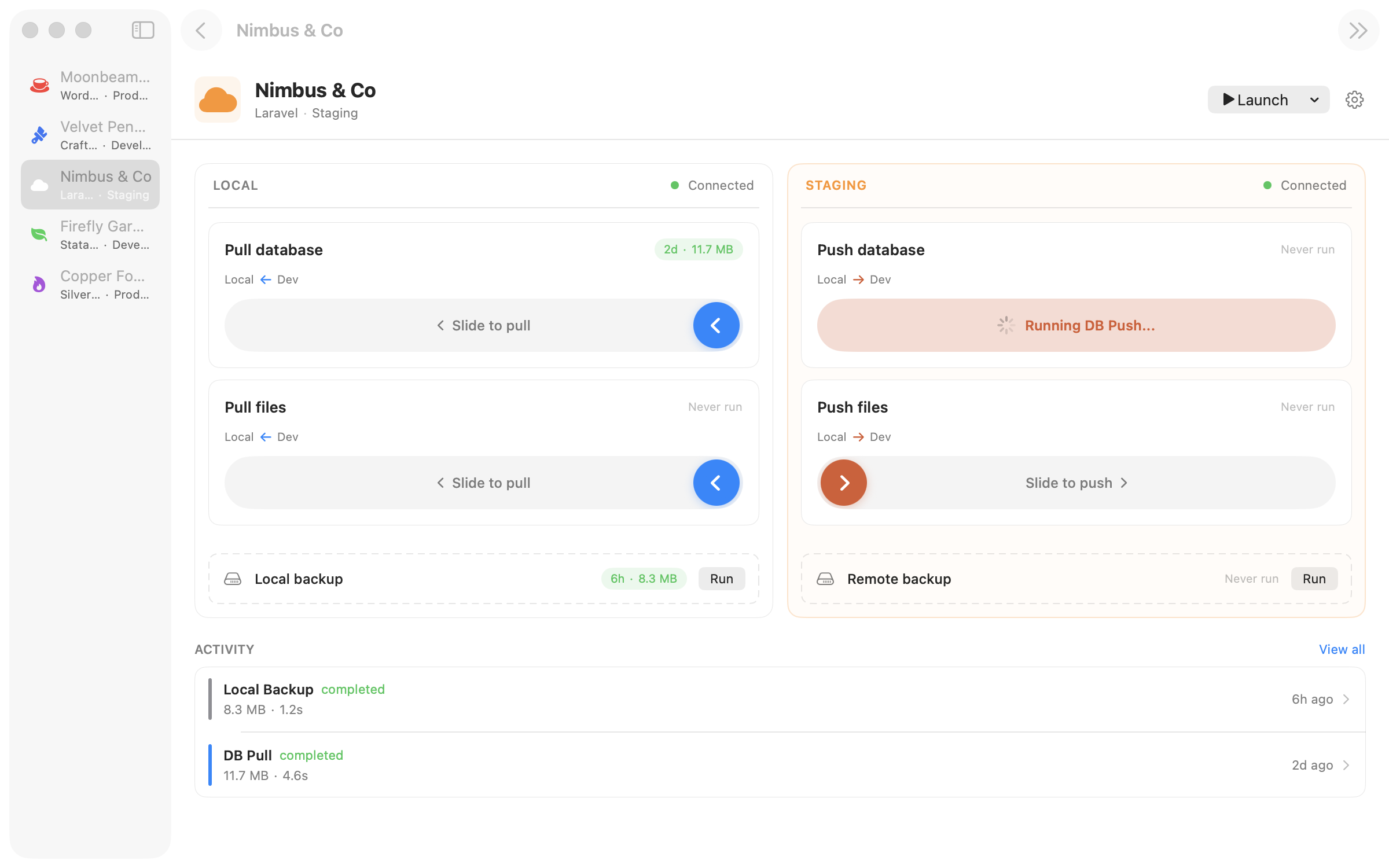
Same pipeline, reverse direction. Ferry rewrites URLs the other way, backs up the remote database before import if you ask it to, and refuses to overwrite a production-flagged site without two confirmations.

Database push to a WordPress staging site
Local

Backup before you touch anything

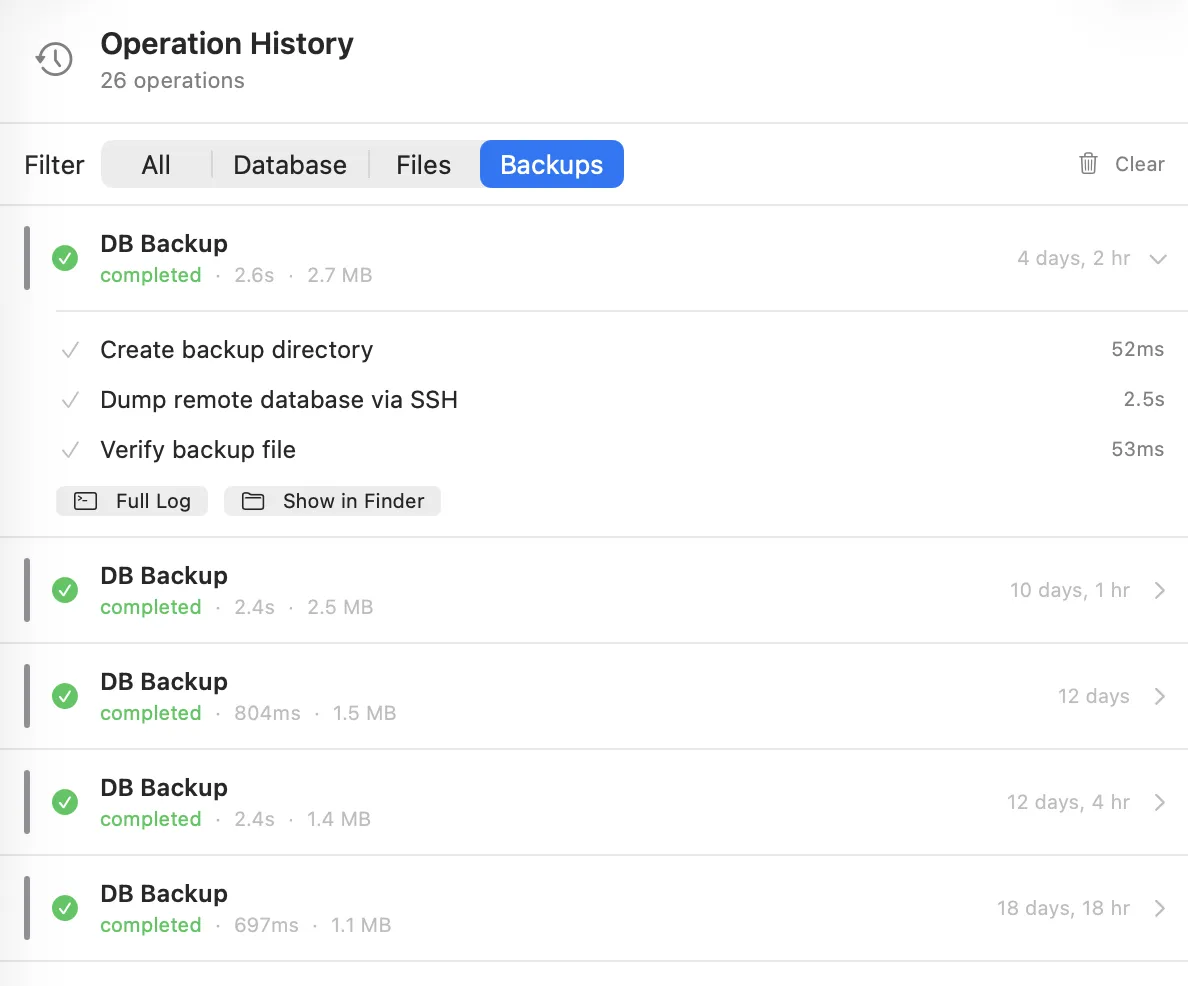
One-click timestamped backups stored locally. Auto-rotation keeps the last N per site. Restore is gzip + mysql from the command line — no lock-in.

Backup operation history on a WordPress site

Free while we build it.

Ferry is in early access beta. Download it, use it on real projects, tell us what breaks. Pricing comes later.

Download for macOS
macOS 14+ required Developer ID signed & notarized